
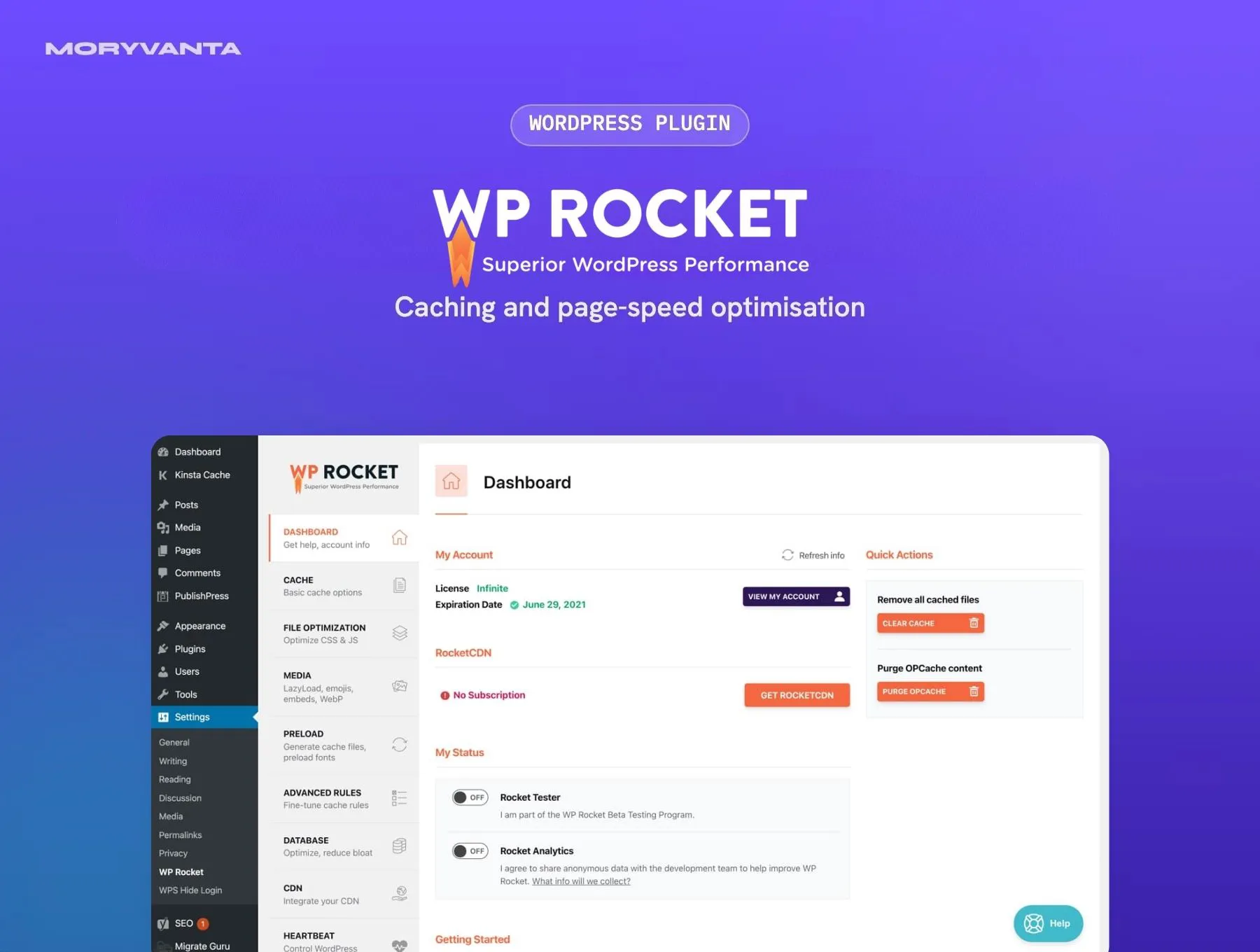


Description
WP Rocket is a performance plugin for WordPress. Activate it and page caching, browser caching and GZIP compression are applied straight away, so most sites load faster before you change a single setting.
The rest of the dashboard tackles the metrics Google measures: minifying and combining CSS and JavaScript, delaying non-essential scripts, lazy-loading images and video, and preloading the cache so visitors never hit an uncached page.
Key features
- Page caching, cache preloading and browser caching on activation
- CSS and JavaScript minification, deferral and delayed execution
- Remove Unused CSS to cut render-blocking styles
- Lazy loading for images, iframes and YouTube embeds
- Database cleanup for revisions, drafts, spam and transients
- Compatibility with WooCommerce, page builders and major hosts
Best for
- WooCommerce stores that need faster product and category pages
- Agencies improving Core Web Vitals across client sites
- Site owners who want speed gains without editing server config
Requirements
- WordPress 5.8 or newer
- PHP 7.3 or newer
- Remove any other page-caching plugin before activating
What you get
- The original, unmodified WP Rocket plugin files, version 3.23.4 (last updated 29 September 2026)
- Distributed under the GNU General Public License (GPL)
- Use on as many sites as you own or build
- Instant download from your Moryvanta account after checkout
Good to know
- Moryvanta is an independent GPL redistributor and is not affiliated with or endorsed by WP Media. Product names and trademarks belong to their owners.
- No official licence key or developer support is included, so features that need one won’t work — for example: Remove Unused CSS processing and other features that run through WP Rocket’s servers.
- Support from Moryvanta covers downloading and installing the files.
Frequently asked questions
What is WP Rocket?
A caching and performance plugin that switches on page caching, file optimisation and lazy loading the moment it is activated — built to improve Core Web Vitals without server-level configuration.
Does WP Rocket work on shared hosting?
Yes. It caches pages as static files, so it works on most shared, VPS and managed WordPress hosts.
Can I use it with another caching plugin?
No — run one page-caching plugin only. Deactivate the other before switching on WP Rocket.

Reviews
There are no reviews yet.