


Description
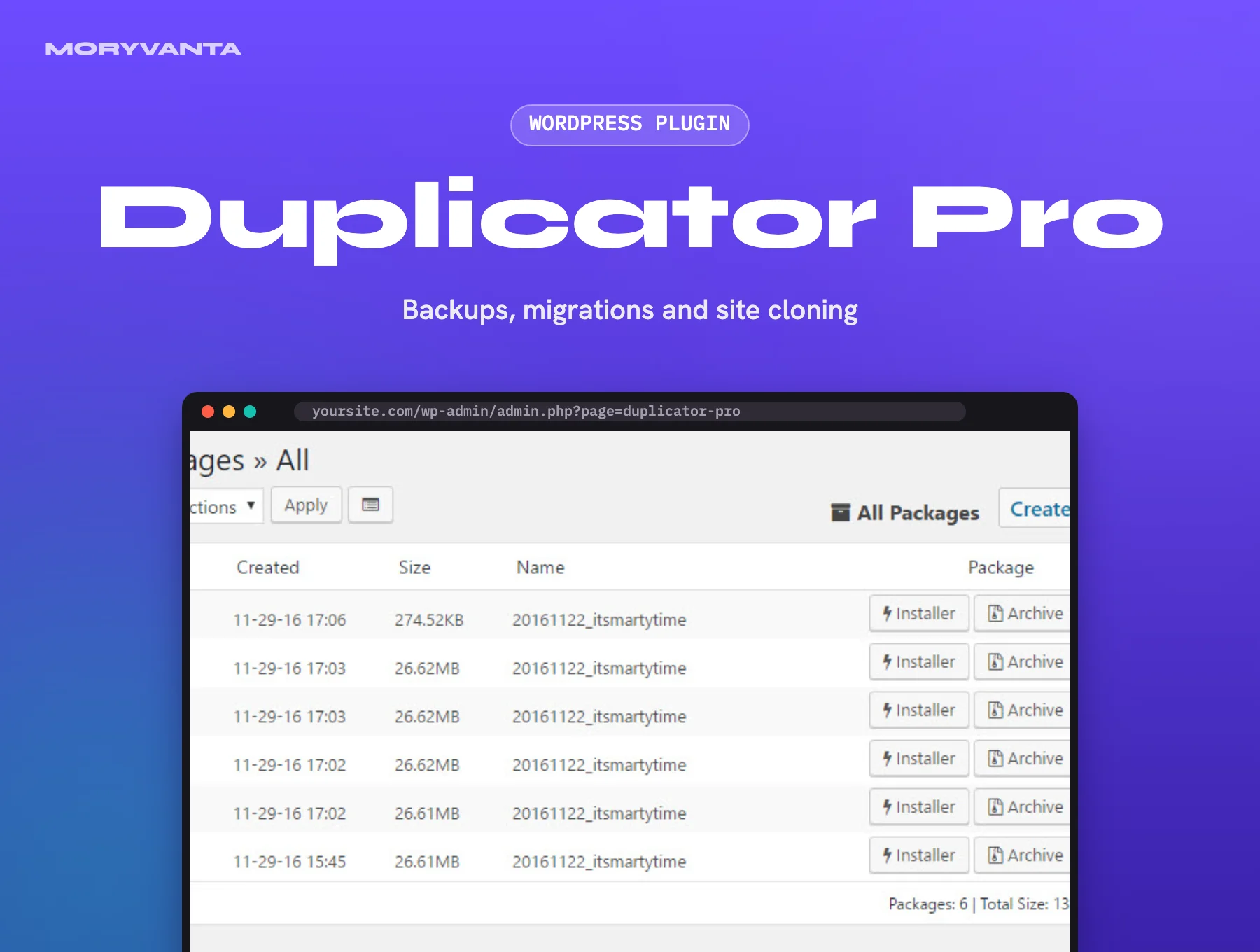
Moving a WordPress site by hand means juggling FTP, phpMyAdmin exports and search-replace scripts, and one wrong step leaves broken URLs everywhere. Duplicator Pro turns the whole site into a single package: an archive plus an installer that rebuilds it on any server and rewrites the URLs for you.
The Pro edition adds what the free plugin leaves out: scheduled backups, remote storage in your own cloud accounts, multisite support and a streamlined installer that can overwrite an existing site in place. It is the tool many agencies use to ship a finished staging build to a client’s live host.
Key features
- Full-site packages (files + database) with a one-click installer
- Scheduled backups – hourly, daily, weekly or monthly
- Remote storage to Google Drive, Dropbox, Amazon S3, OneDrive and FTP/SFTP
- Drag-and-drop import to overwrite an existing site
- Multisite network support, including exporting a single subsite
- Handles large sites with chunked archiving and database streaming
Best for
- Agencies moving client builds from staging to live hosting
- Site owners who want automatic off-site backups without a SaaS subscription
- Anyone switching hosts or domains and needing URLs rewritten safely
Requirements
- WordPress 5.3 or newer
- PHP 7.4+ (PHP 8.x recommended)
- Enough disk space on the server for the archive being built
- Your own accounts for any cloud storage you connect
What you get
- The original, unmodified Duplicator Pro plugin files, version 5.0.4 (updated 24 September 2026)
- Released under the GPL licence
- Use it on as many sites as you own or build for clients
- Instant download from your Moryvanta account after checkout
Good to know
- Moryvanta is an independent GPL redistributor and is not affiliated with or endorsed by Duplicator (Snap Creek). Product names and trademarks belong to their owners.
- The GPL covers the Duplicator Pro plugin files and their updates, but not the developer’s licence key. If a licence key or activation is asked for while installing (for example for one-click updates or Duplicator’s own cloud storage), it has to be bought separately – contact Moryvanta support and we’ll help, either with a licence through Moryvanta where one is available or by pointing you to the original developer.
- Duplicator Cloud storage and automatic in-dashboard updates run on the vendor’s servers and need an active licence; backups to your own Google Drive, Dropbox or S3 do not.
- Very large sites can hit host time limits – check your PHP max execution time before the first big package.
- Moryvanta support covers downloading and installing the files.
Frequently asked questions
What is Duplicator Pro?
A WordPress backup and migration plugin that bundles a site’s files and database into one archive plus an installer, so it can be restored or moved to another server.
Can I restore a backup onto a different domain?
Yes. The installer asks for the new URL and path, then updates every reference in the database for you.
Do scheduled backups need anything extra?
Only a storage destination. Keep copies off the server by linking your own cloud account.
Reviews
There are no reviews yet.