
Description
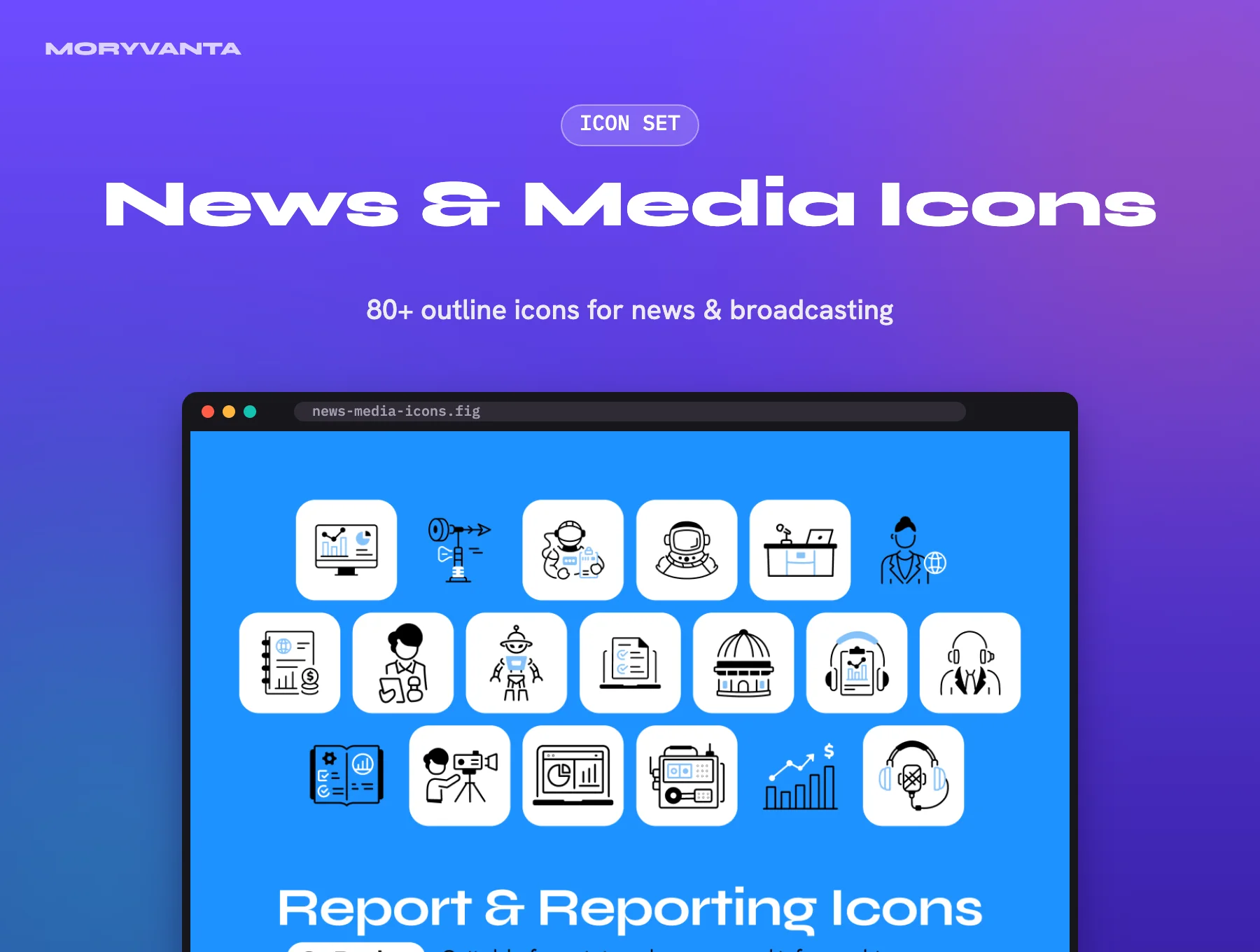
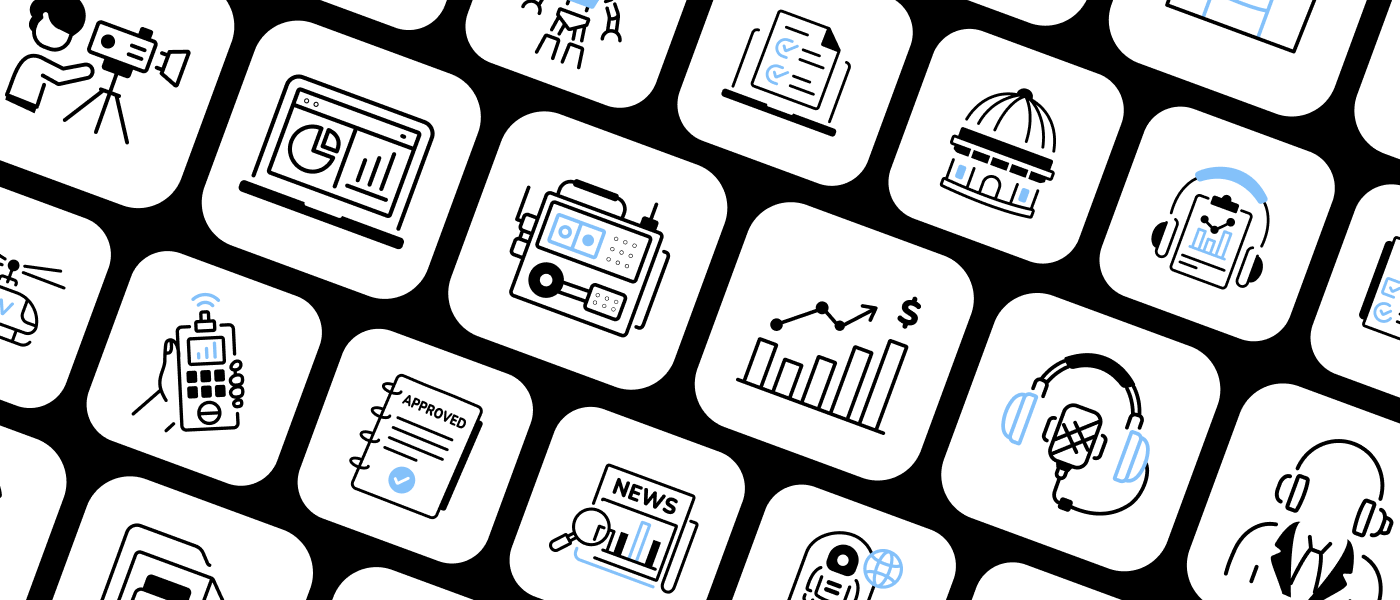
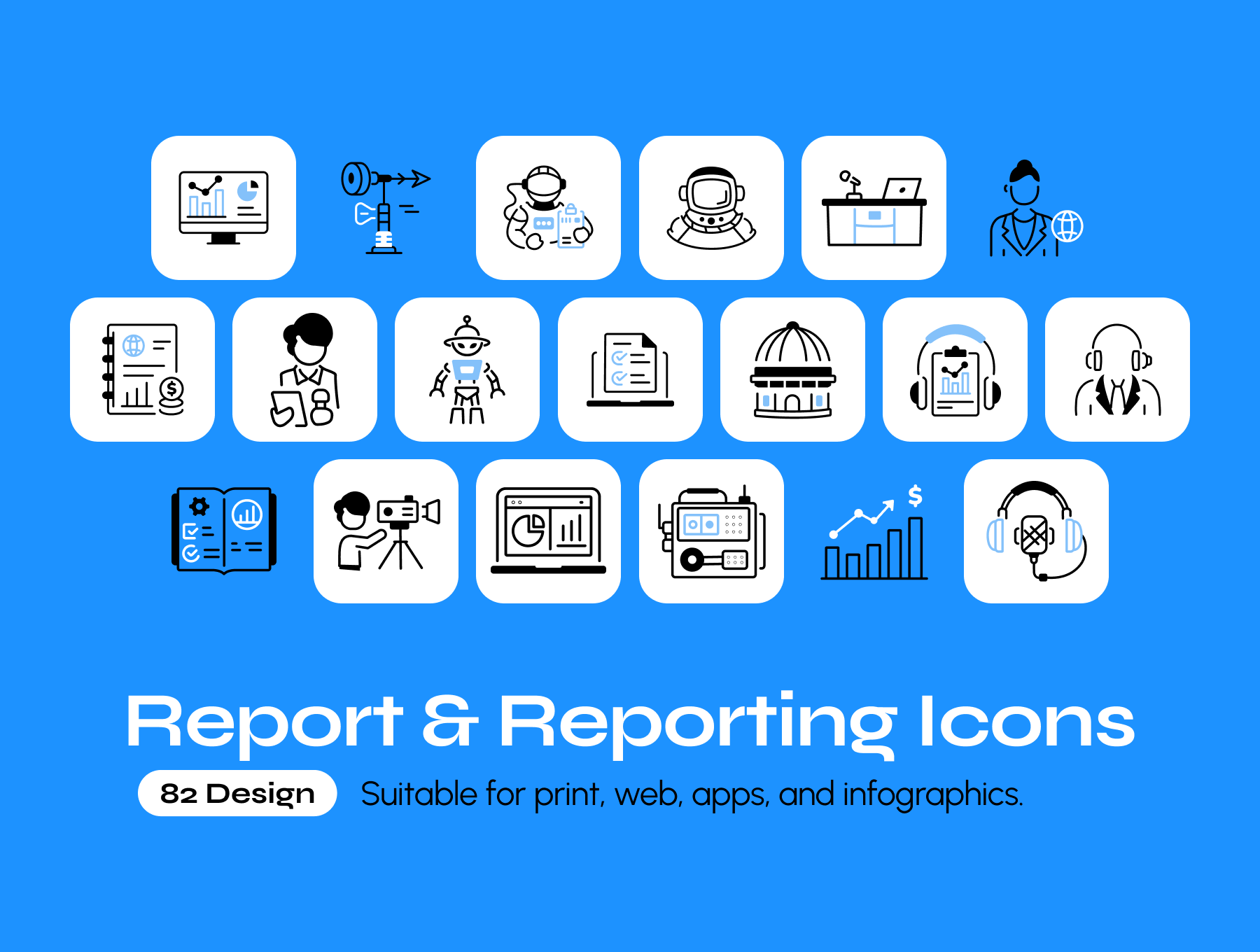
News & Media Icons is an outline icon set for journalism and broadcasting. It includes reporters and anchors, cameras and microphones, satellites and broadcast gear, press passes and newspapers, plus ready-made NEWS, PRESS and LIVE NEWS label icons for breaking-news moments.
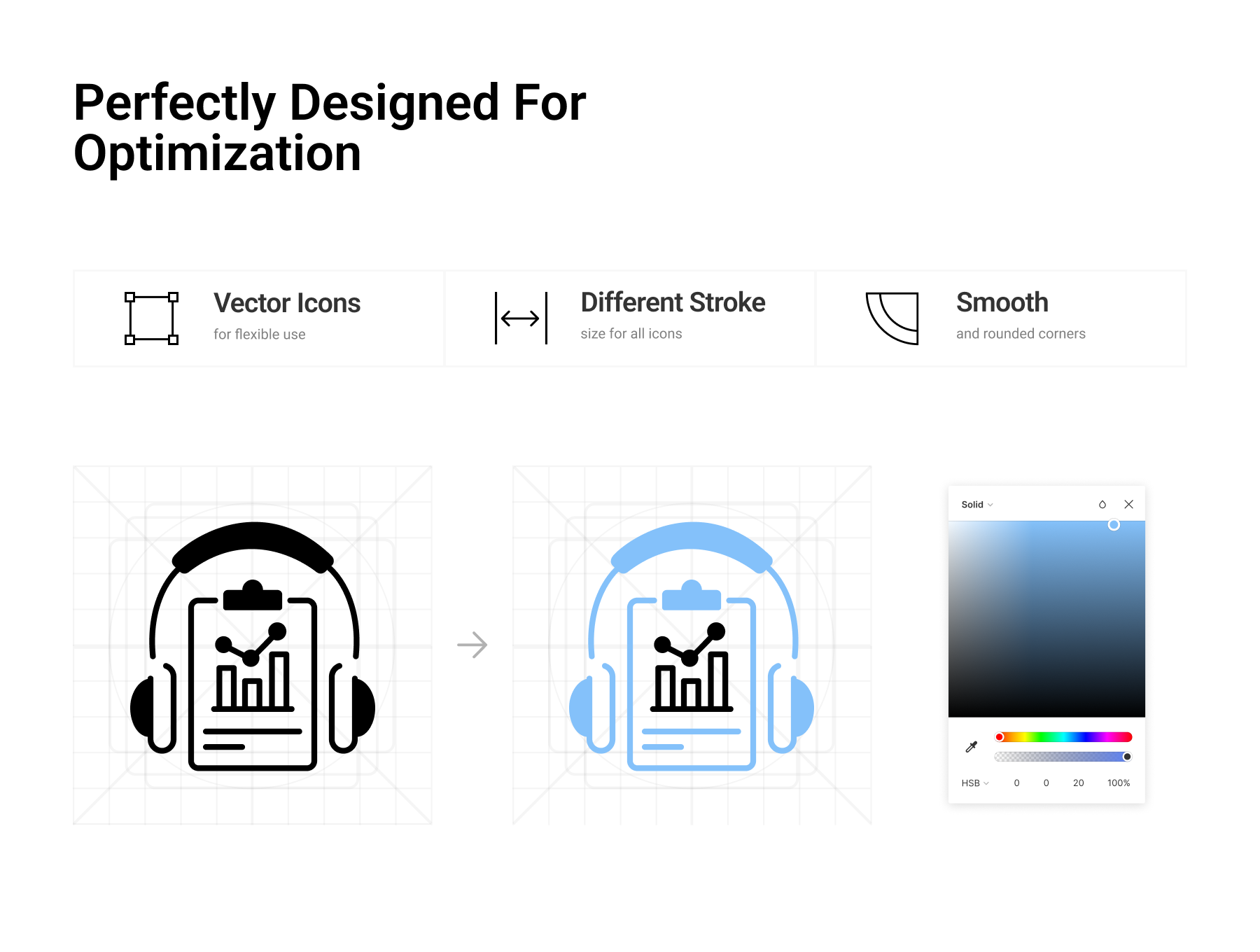
Icons are drawn in black outline with blue accent fills, giving them a crisp editorial feel that still reads well at small sizes. They are vector shapes in Figma, so you can recolour the accent, resize freely and export them for any screen.
Key features
- More than 80 news, media and broadcasting icons
- Black outline style with blue accent fills
- Covers reporters, cameras, microphones, satellites and press credentials
- Ready-made NEWS, PRESS and LIVE NEWS labels
- Fully scalable and easy to recolour
- Clean Figma file for quick copy and export
Best for
- News apps, media portals and journalism blogs
- Broadcasting, podcast and press-kit websites
- Designers building editorial dashboards and newsletters
Requirements
- Figma (the free plan is enough to open and edit the file)
- No coding needed; export icons as SVG or PNG from Figma
What you get
- The original icon Figma file (under 1 MB) with 80+ outline icons (July 2026 release)
- Instant download from your Moryvanta account after checkout
Good to know
- Moryvanta is not affiliated with the original designer. Product names and trademarks belong to their owners.
- The exact icon count is listed by the designer as 80+.
- Icons are delivered in Figma; icon fonts and code components are not included.
- Moryvanta support covers downloading the file and opening it in the listed apps.
Frequently asked questions
What is the News & Media Icons set?
It is a Figma file of 80+ outline icons with blue accents for news, journalism, broadcasting and press content.
Does it include “Live” and “Breaking news” style labels?
Yes. The set includes ready-made NEWS, PRESS and LIVE NEWS label icons.
Can I change the blue accent colour?
Yes. The icons are vectors, so both the outline and accent colours can be changed in Figma.
Reviews
There are no reviews yet.